
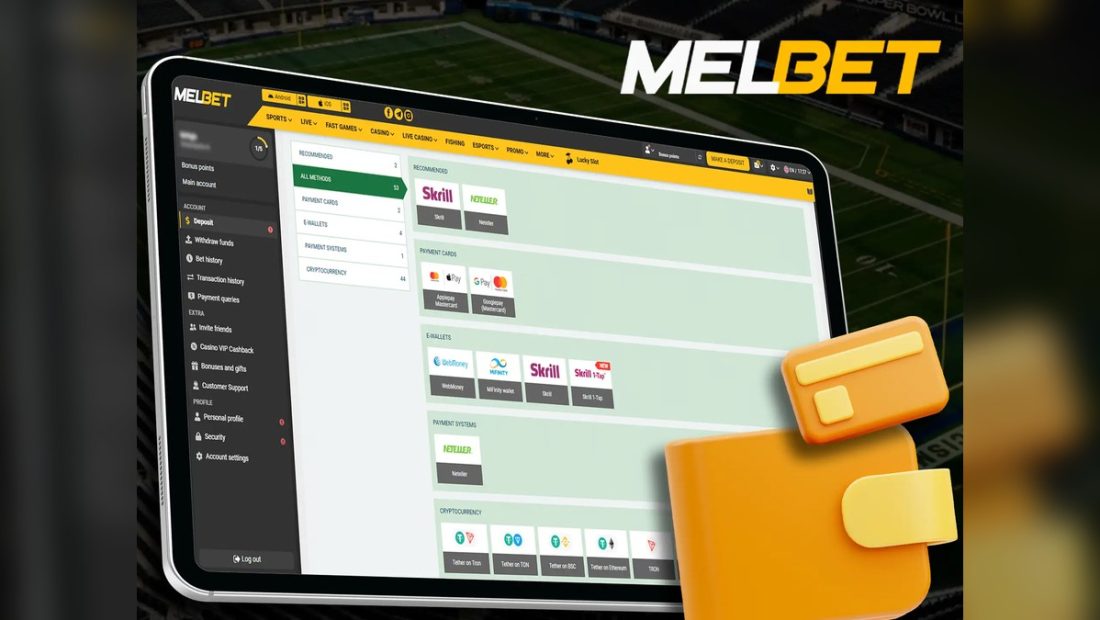
Why payment pages need slower decisions
A payment screen is different from a page. It involves money, credentials, bank or UPI prompts and account status. The safest user slows down before approving anything, especially when a match is live, a bonus is visible, or a previous transaction looks unclear.
Common India payment wording explained
Users may see wording around UPI, bank transfer, net banking, wallets, cards or provider status. Availability can vary, and this page does not claim that every method appears every time. Read the method label, amount and account details on the current page before approving a request.
Deposit checks
- Confirm amount and method.
- Check URL and HTTPS.
- Avoid unknown UPI collect requests.
- Use private network and device.
- Keep a record of date, amount and transaction ID.
Withdrawal checks
Withdrawal wording may involve account verification, method availability and current rules. Do not expect fixed timing from a general guide. Keep records, watch page status, and avoid support profiles that ask for banking secrets.
What to do if payment fails
| Step | Reason |
|---|---|
| Wait before retrying | Repeated attempts can create confusion |
| Record transaction ID | A reference helps later checking |
| Check provider status | Network or bank issues may be outside the page |
| Use verified contact route | Unknown support links can expose private details |
Details never to share
Never share OTP, UPI PIN, card PIN, CVV, net banking password, account password or full banking credentials. A payment problem should not require secret codes in a chat.
Record keeping checklist
- Date and time.
- Amount.
- Method label.
- Transaction ID or UTR.
- Page status message.
- Support route used, if any.