
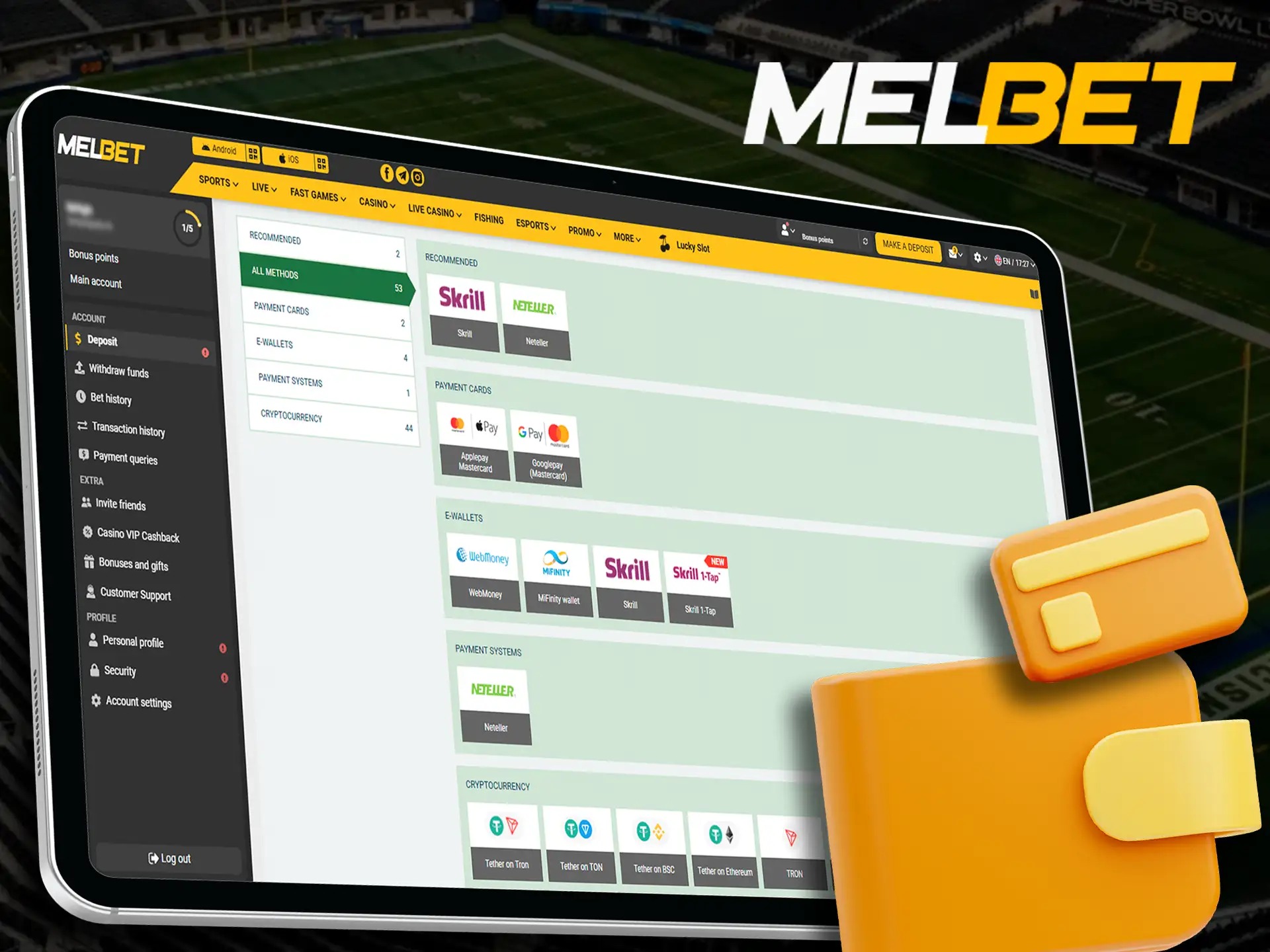

Payment decision checklist
Payment pages need slower decisions because money, account details and device security meet in one place. Before using any method, check amount, current availability, account name, local law, page URL, HTTPS and whether the method shown fits your own banking route. Payment availability may vary, so do not assume one option will appear every time.
- Check amount and method before approving anything.
- Use a private network and private device.
- Keep OTP, UPI PIN, card PIN, password and banking credentials secret.
- Record transaction ID, date, amount and visible status.
- Do not approve unknown UPI collect requests.
- Stop if a page asks for unrelated secret details.
Payment failed flow
- Do not repeat the transaction immediately.
- Check network and page status.
- Check method availability.
- Check transaction ID.
- Save screenshot for your own record.
- Do not send proof to unknown support links.
- Never share OTP, UPI PIN, card PIN or password.
- Wait for current rules or verified support route.
Deposit vs withdrawal comparison
| Action | Main Check | Risk Reminder |
|---|---|---|
| Deposit | Amount, method, account details | Do not approve unknown UPI requests |
| Withdrawal | Account verification and method availability | Do not expect fixed timing |
| Failed payment | Transaction ID and provider status | Do not retry repeatedly |
| Support request | Verified contact route only | Never share secret credentials |
Credentials never to share
A payment problem should not be solved by sending OTP, UPI PIN, card PIN, CVV, password, full card number, net banking password or complete banking credentials. A screenshot can also expose private information if it shows notification previews or account identifiers. Crop or hide private details when keeping records for yourself.
Transaction record example
| Field | Example To Keep Privately |
|---|---|
| Date and time | 9 July 2026, evening session |
| Method label | UPI, bank transfer, wallet, card or net banking wording shown |
| Amount | Your entered amount |
| Transaction ID / UTR | Provider reference if available |
| Page status | Pending, failed or completed wording shown |
| Support route used | Only verified contact path, if needed |
Payment FAQ
Are all payment methods always available?
No. Method availability can vary by account, route, provider and current page wording.
What should I do after a failed payment?
Do not repeat immediately. Check status, save transaction details and wait for a clear route.
Should I share UPI PIN with support?
Never. UPI PIN, OTP, card PIN and passwords are secret credentials.
Can withdrawal timing be fixed?
Do not expect a fixed timing from this page. Check current page rules and account status.
What is a safe payment record?
Date, amount, method label, transaction ID and page status saved privately.
Can I use public Wi-Fi for payment?
Avoid it. Payment pages should be used on a private network and device.
What if a UPI request looks unknown?
Do not approve it. Recheck method, amount and source first.
Should I retry many times?
No. Repeated attempts can create confusion. Check provider status and wait.
Can a screenshot be unsafe?
Yes, if it shows private identifiers or notifications. Keep records private.
What if support asks for banking password?
Stop. Banking passwords should never be shared.
Where should payment questions go?
Use the contact route shown on this site, not random social profiles.
Should I borrow money for a deposit?
No. Do not borrow money for gaming or payment activity.
Bonus terms page | Contact | FAQ | Responsible gaming
Move to payment only when amount, method, private device and personal limit are all clear.
Continue through Melbet route