
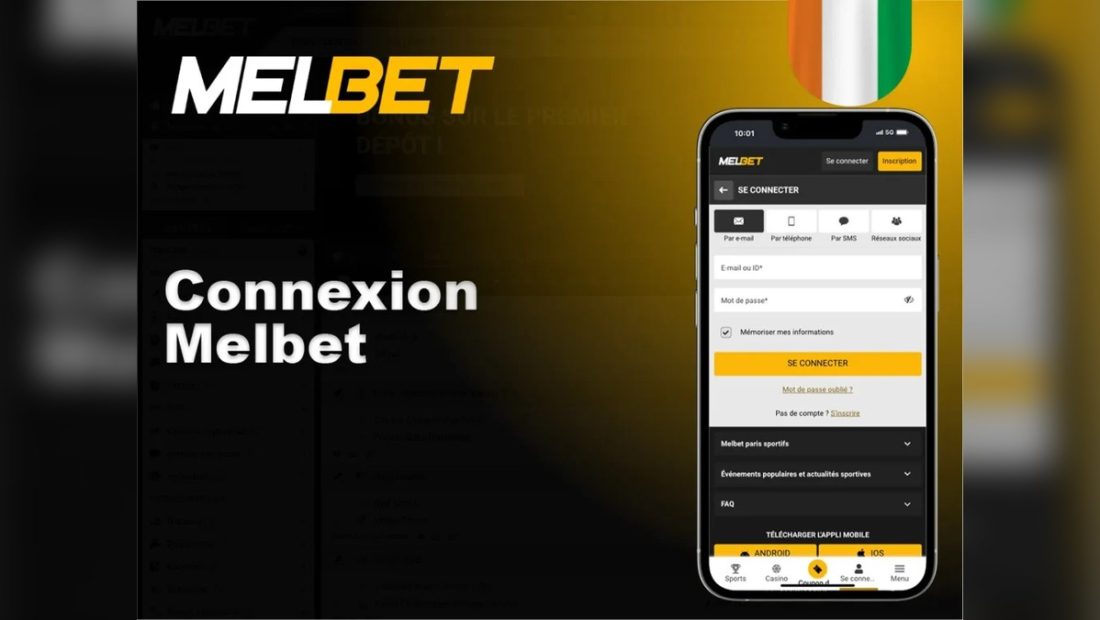
Why login deserves a careful pause
Login is not a harmless doorway. It is the point where a private account identifier, password and sometimes OTP meet the page you are trusting. Many mistakes happen when a user is impatient: a cricket match is starting, a payment question is pending, or an old tab has reopened on a phone. That pressure makes the address bar more important, not less.
Check the page address first
Read the full URL before typing. On mobile, tap the address bar if the domain is partly hidden. Look for HTTPS and consistent navigation. If the page came from a shortened link, social comment or message, return through the site navigation instead. A saved tab should be refreshed because cached pages can show older routes.
Password and OTP mistakes to avoid
Do not reuse a banking, email or social password. Do not paste a password into a page after a strange redirect. OTP belongs only in the page flow that requested it; it should not be sent to a person who says they can help. If an OTP is delayed, wait and check network status instead of searching for quick reset links.
What fake support messages look like
A risky message often promises urgent recovery, asks for a screenshot, requests OTP or PIN, or tells you to install a file. It may use a logo and confident wording. The test is simple: if secret credentials are requested, stop. Real account safety never improves by sharing OTP, password, UPI PIN, card PIN or banking details.
What to do when login fails
| Situation | Safer Response |
|---|---|
| Password fails | Use the reset path on the current page and avoid chat links |
| OTP delayed | Check network and wait before retrying |
| Page loops | Clear cache and reopen from navigation |
| Redirect changes domain | Close the page and recheck the route |
Public device and saved password risk
A shared phone, office computer or cyber cafe browser can keep autofill, screenshots, notifications and session cookies after you leave. If you must read from a shared device, do not save passwords and do not use payment pages. The safer habit is a private locked device, controlled browser and full logout after use.
Final login checklist
- Domain and HTTPS checked.
- No strange redirect.
- OTP kept private.
- No support profile asking for secrets.
- Private device used.
- Session limit and local law considered before continuing.